Vibe coding for teachers
Teachers can describe a classroom tool, prototype it, and adjust the result without starting from a blank code editor.
pixelOS Educators - Coming Soon
pixelOS educators helps teachers turn lesson ideas into interactive apps students can use, then customize those apps and see how students are using them.
Teachers can describe a classroom tool, prototype it, and adjust the result without starting from a blank code editor.
Browse classroom-ready apps by grade, age, and subject, then import a starting point into a teacher sandbox.
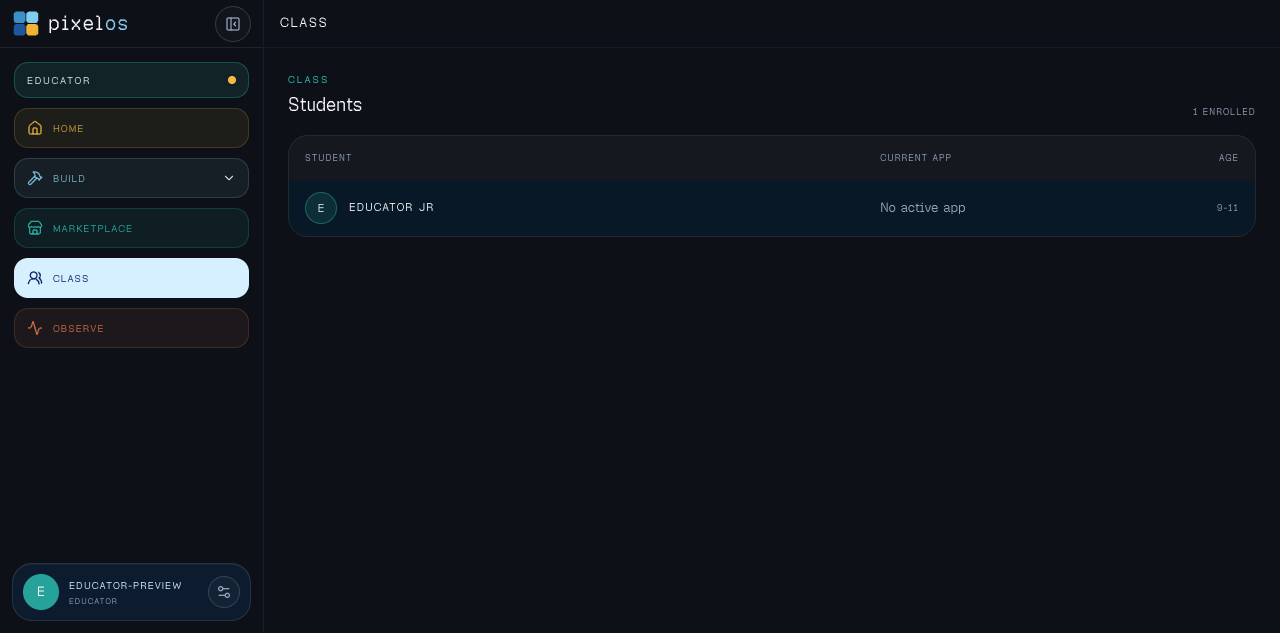
Keep the student list simple first, then connect app usage and learning signals around each class.
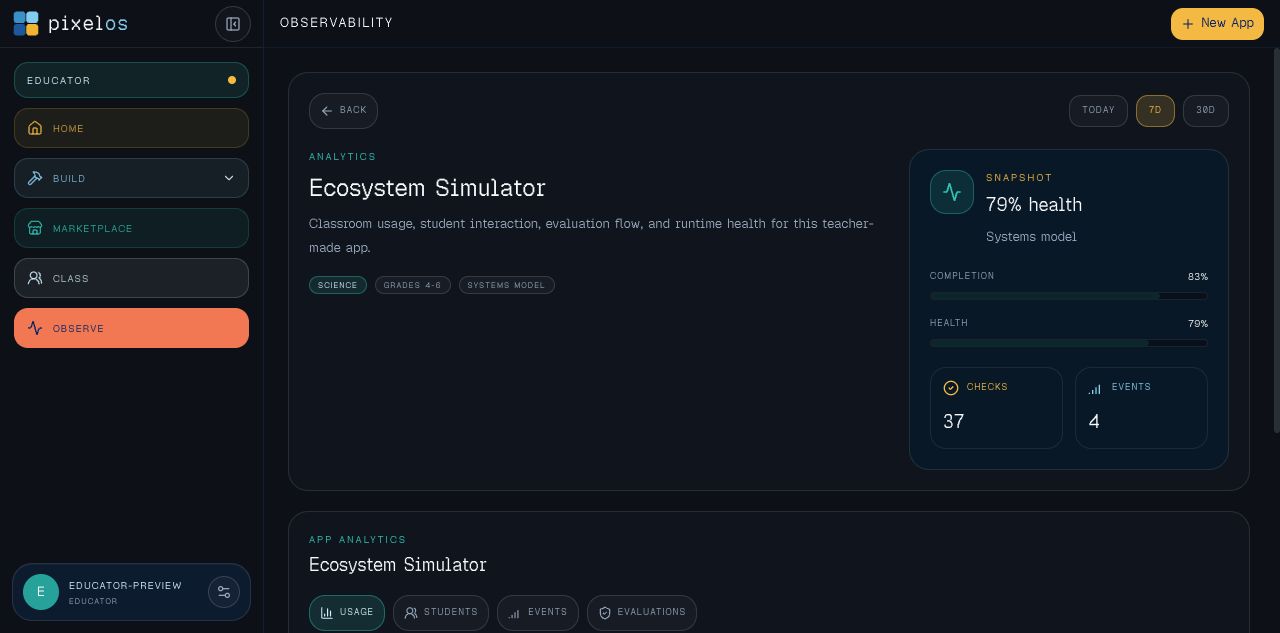
Open a teacher-made app and see usage, interaction, evaluation, and runtime signals in one focused analytics view.
Marketplace
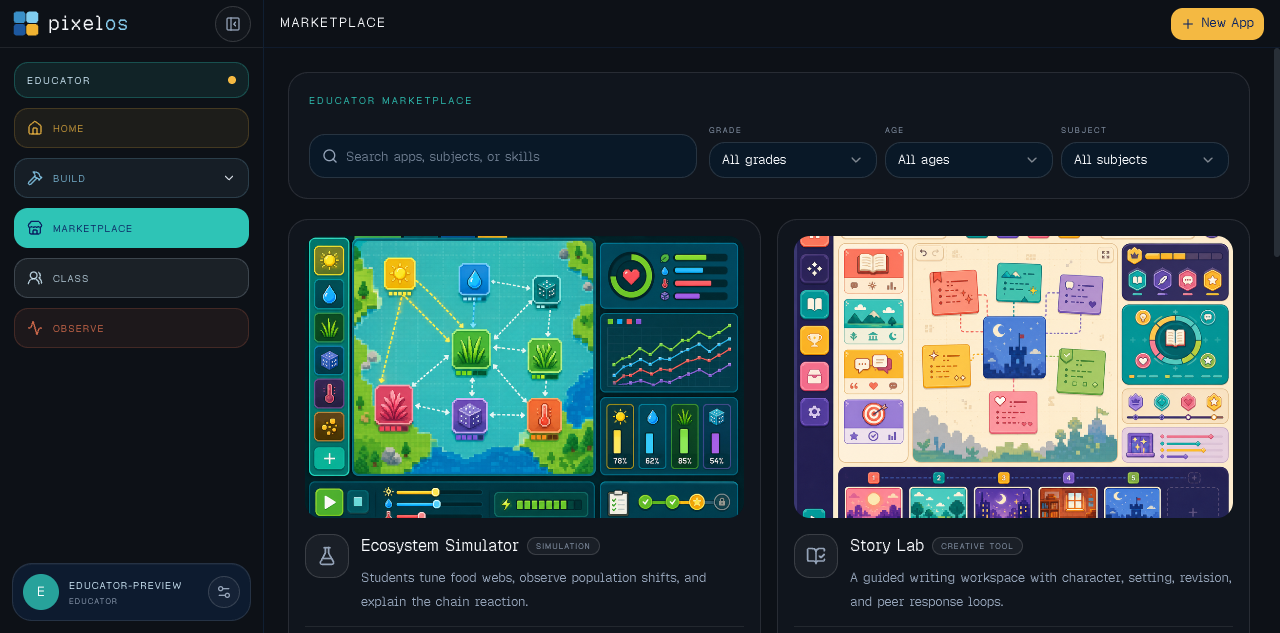
The educator marketplace is the fastest path from lesson need to a usable app. Teachers can find a starting point, inspect the preview, and bring it into their own sandbox as a customizable template they can reshape around their classroom.
Browse classroom apps by grade, age, and subject.
Preview classroom-ready tools before bringing them into your sandbox.
Pull in a customizable template, then update the content, flow, checks, and visuals any way you want.
Knowledge
Teachers should not have to explain their whole class from scratch every time they make an app. Upload lesson plans, district guidance, standards, rubrics, and existing curriculum so the agent can use that context while helping create classroom tools.
Teacher knowledge base
Private class context for app creation
Agent context
“Use my district rubric and current ecosystems unit to generate a student simulation with the right vocabulary and checks.”
Built For Real Classrooms
Most classroom software asks teachers to work around the tool. pixelOS educators is designed so teachers can adapt the app to their standards, their students, and the way their class actually learns.
Start from a template, then adjust the task, rubric, vocabulary, and checks to fit district pacing, state standards, or a specific unit.
Tune reading level, hints, examples, practice loops, and evaluation criteria for the class in front of you.
Use roster and app analytics to understand who is active, where students slow down, and what may need review.
Teacher Dashboard
Once an app is in use, teachers need a simple way to see students, usage, interactions, and review signals without switching systems.
Class
The class view stays clean: students, current app context, and room to connect performance later.
Analytics
Open an app and move through usage, students, events, and evaluations without backend setup.
Teacher Guides
These guides go deeper on AI for teachers, app builders, custom edtech, and classroom AI evaluation so educators can move from idea to safe, reviewable classroom tools.
A practical classroom AI workflow built around teacher review, projects, and student-safe boundaries.
How teachers can turn one classroom need into a small, custom tool without a full development team.
A guide to teacher software that saves preparation time without adding another disconnected dashboard.
How educators can turn lesson goals into review games, simulations, journals, and classroom apps.
An evaluation guide for AI tools that need teacher control, student privacy, and visible learning signals.
Join The Educator Waitlist
Add your email if you want updates on classroom AI tools, vibe coding for teachers, app marketplace imports, and educator analytics.
FAQ
That is the goal. The educator workflow is built around plain-language app building, guided editing, app imports, and visible previews rather than requiring teachers to start in a code editor.
The educator workspace is currently limited to development builds while we refine the teacher workflow. This public page is open for waitlist interest and school conversations.
Examples include science simulations, math practice games, writing labs, discussion tools, rubrics, reflection apps, review games, and custom tools tied to a specific lesson.
The dashboard is being designed around observability: educators can inspect usage, student interaction, evaluation queues, completion, and signals from each app.